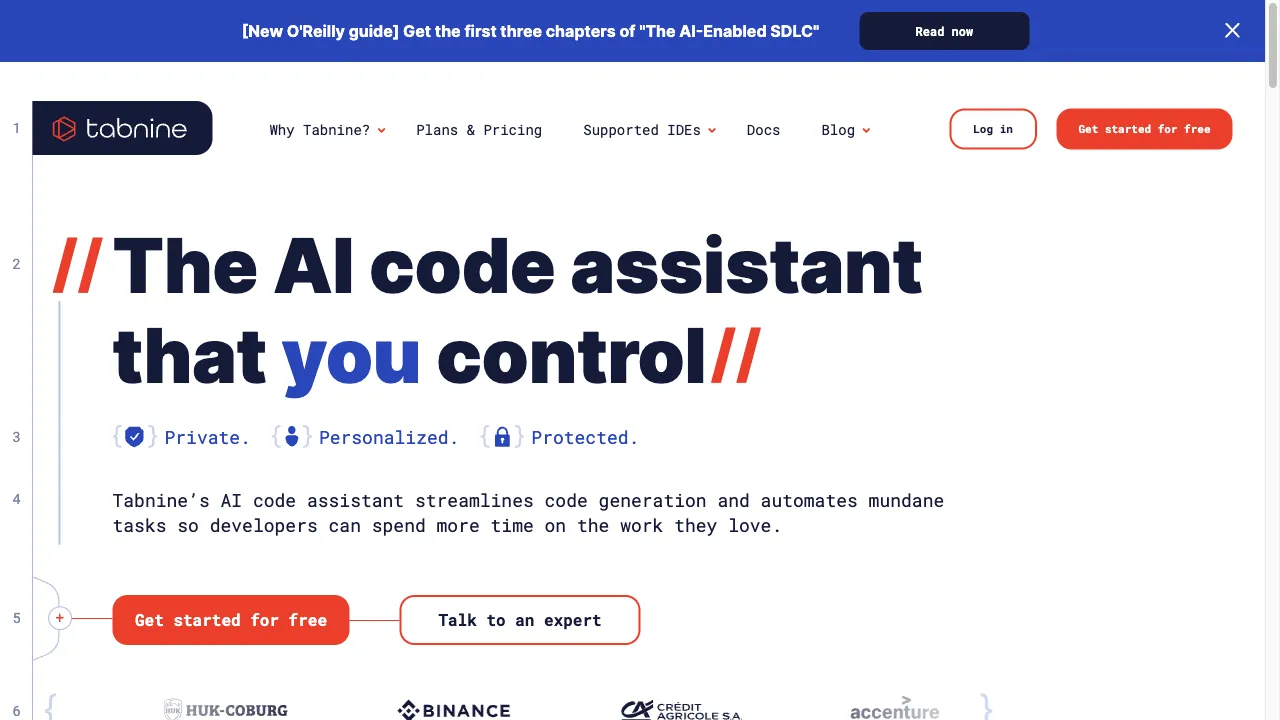
란 무엇인가 Tabnine?
Tabnine is an AI-driven code completion tool that enhances coding productivity by providing intelligent suggestions and completions. Founded in 2013 as Codota and rebranded in 2021, it supports numerous programming languages and integrates seamlessly with popular IDEs. Tabnine's features include AI-powered predictions, real-time suggestions, and customizable settings, making it suitable for individual developers and teams alike. Its broad language support and chat interface for natural language interactions further enhance its usability. While it has some limitations, such as occasional inaccuracies and a learning curve, it remains a valuable tool for streamlining the coding process.
Tabnine 트래픽 분석
Tabnine 월간 방문
Tabnine 상위 방문 국가
Tabnine 상위 키워드
Tabnine 웹사이트 트래픽 소스
Tabnine 기능
AI-Powered Predictions
Tabnine utilizes machine learning to analyze the context of the code being written, offering real-time suggestions that enhance coding speed and accuracy. This feature allows developers to write code faster and with fewer errors, making the coding process more efficient.
Multi-Language Support
Supporting a wide range of programming languages including Python, Java, C++, and JavaScript, Tabnine is versatile for various coding environments. This feature ensures that developers can use the tool regardless of their preferred programming language.
Real-Time Suggestions
Tabnine provides immediate code completion suggestions as developers type, significantly speeding up the coding process. This real-time feedback allows developers to focus on their coding tasks without interruptions.
Customizable AI
Users have control over how Tabnine operates, including options for local model training to enhance privacy and security. This customization allows developers to tailor the tool to fit their specific coding needs.
Integration with Popular IDEs
Tabnine integrates seamlessly with various IDEs such as Visual Studio Code and PyCharm, ensuring a smooth user experience. This integration helps maintain workflow without the need for switching between different tools.
Chat Interface
A recent feature allows developers to interact with Tabnine using natural language, enabling them to generate code, explain code snippets, and propose fixes. This user-friendly interface enhances the overall coding experience.
Tabnine 장점
Increased Productivity
Tabnine significantly reduces coding time by providing accurate and context-aware suggestions, allowing developers to focus on more complex aspects of their projects.
Wide Language Support
The tool supports a broad range of programming languages, making it versatile for various projects and allowing developers to work in their preferred language.
Real-Time Feedback
Developers receive immediate suggestions, which can enhance coding speed and efficiency, ultimately improving the overall coding experience.
Privacy Control
Users can choose to host Tabnine locally, ensuring that their code remains private and secure, which is crucial for maintaining data confidentiality.
Tabnine 단점
Learning Curve
Some users may find it challenging to adapt to the tool initially, especially if they are not familiar with AI-driven coding assistants. This can lead to a temporary decrease in productivity as they learn to utilize the features effectively.
Occasional Inaccuracies
While Tabnine is generally reliable, it may occasionally suggest incorrect or incomplete code, leading to confusion or additional debugging time for developers.
Resource Intensive
The tool can be resource-intensive, particularly when dealing with larger codebases. This may affect performance and slow down the development process for some users.
사용 방법 Tabnine
Step 1: Sign Up
Users can create an account on the Tabnine website or join a team to start using the tool. This initial step is crucial for accessing Tabnine's features.
Step 2: Install the Plugin
After signing up, users need to install the Tabnine plugin in their preferred IDE. This integration is essential for using Tabnine effectively in their coding environment.
Step 3: Activate Tabnine
Once installed, users can activate Tabnine and follow the quick start guide to begin using the tool effectively. This step ensures that users can start benefiting from Tabnine's features immediately.
Step 4: Customize Settings
Users can adjust settings to tailor Tabnine's behavior to their coding style and preferences. This customization allows for a more personalized coding experience.
사용자 Tabnine
Individual Developers
Tabnine helps individual developers speed up coding tasks, reduce repetitive work, and enhance overall productivity, making it an invaluable tool for personal projects.
Development Teams
For development teams, Tabnine can maintain coding standards and improve collaboration by providing consistent code suggestions, which helps in aligning team members on best practices.
Onboarding New Employees
Tabnine aids in training new developers by providing context-aware suggestions, helping them adapt to existing codebases quickly and efficiently.
Code Review
The tool assists in identifying potential errors and improving code quality during the review process, making it easier for teams to maintain high coding standards.
댓글
"Tabnine is very useful and convenient. I use this tool for VSCode, and so far, it has helped me program faster and easier."
"I love how Tabnine integrates with my IDE. It saves me so much time during coding sessions!"
"The AI suggestions are impressive, but I occasionally find them off. Still, it's a great tool overall!"
참고 자료
- [3] Tabnine 리뷰.URL:https://aiisatool.com/content-creation/generative-code/tabnine-review/on: 8/28/2024
Tabnine 대안

AI 기반 커스텀 도구로 개발자 활용형.

효율적인 연구를 위한 혁신적인 학술 검색 엔진입니다.

AI-powered note-taking tool for efficient summarization.

생산성 향상을 위한 혁신적인 AI 도구입니다.

자연어 처리 및 대규모 언어 모델을 위한 혁신적인 AI 플랫폼입니다.

AI-powered academic writing assistant for researchers and students.

Vercel의 AI 기반 UI 도구에 대한 종합 리뷰.

AI writing tool for content generation.

AI 기반 개발자를 위한 코딩 어시스턴트.

AI-driven productivity assistant for efficient task management.

AI 모델에 대한 다양한 접근을 제공하는 혁신적인 탑재형

기계 학습 실험 관리를 위한 플랫폼입니다.

AI-powered code review platform that enhances development.

웹 데이터 추출을 위한 자동화 도구입니다.

타미 AI는 다양한 소프트웨어에서 사용자 경험을 향상시키는 첨단 AI 도구를 제공하는 플랫폼입니다.

AI 기반 코드 생성 도구로 개발자를 지원합니다.