What it is
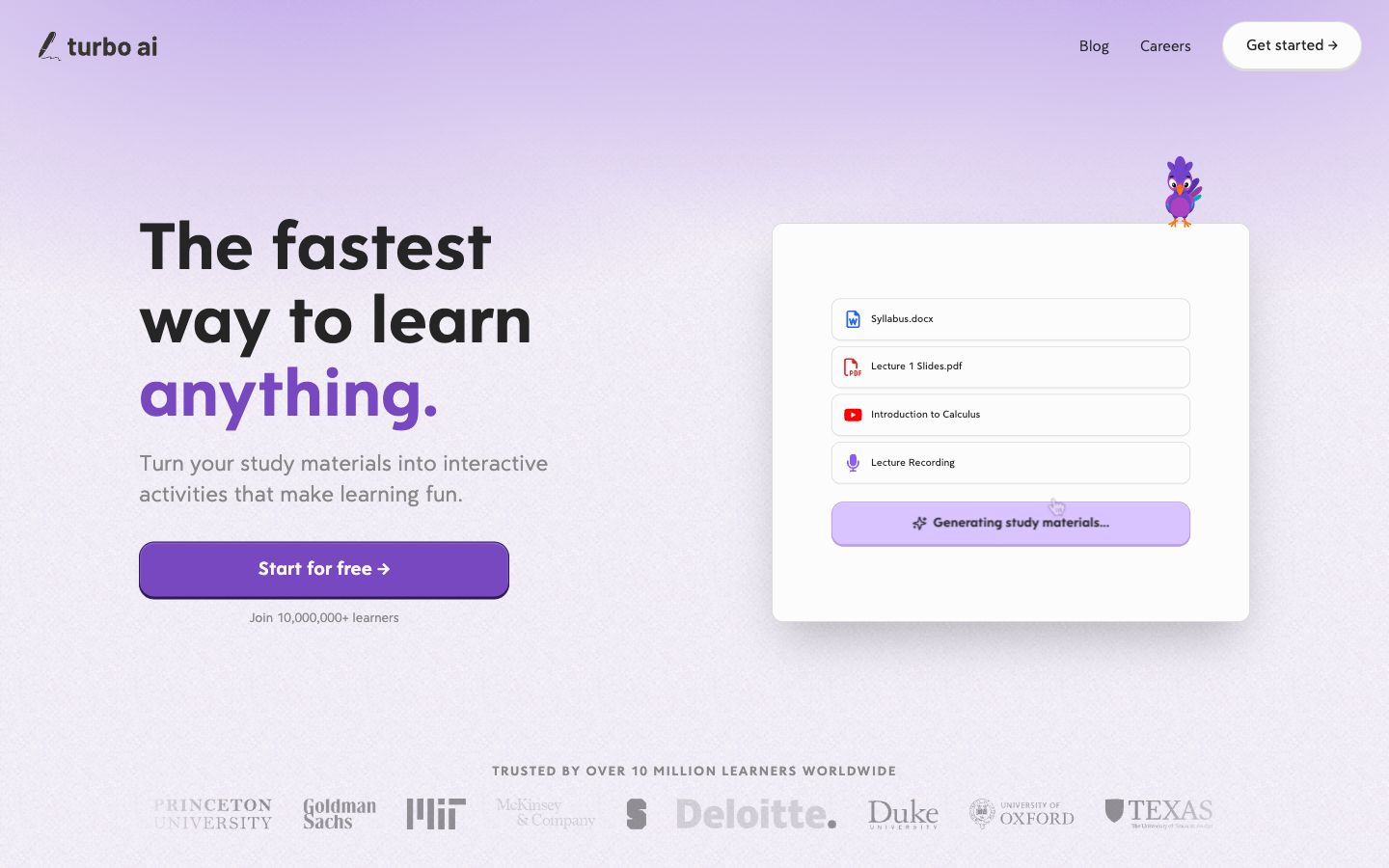
Turbo AI, formerly TurboLearn AI, is a study workspace that converts source material such as lecture recordings, audio, video, and documents into organized notes, flashcards, and quizzes. Its value is compression: it can create a first study package faster than manual transcription and formatting. The risk is source drift, because a fluent note, card, or answer choice may omit context or introduce an error. Students should keep the original source available, verify claims and equations, and use retrieval practice rather than rereading generated summaries alone.
Test bench
- Scope
- logged-out evaluation
- Checked
We evaluated the public workflow for turning one lecture into a study packet: confirm permission to record or upload, generate notes, trace key claims back to the source, convert them into retrieval questions, and schedule review instead of rereading the summary.
Account boundary: The public Turbo AI site, TurboLearn rebrand page, student positioning, privacy policy, terms, and sign-in plan path were checked. We did not upload a private lecture or subscribe, so transcription accuracy, exact quotas, and account-only prices are not represented as hands-on results.
-
Keep the source beside the generated notes
Turbo can compress lectures, recordings, videos, and documents into notes, but the original remains the evidence for names, equations, quotations, and nuanced claims.
-
Turn notes into retrieval, not rereading
Generated flashcards and quizzes become more useful when questions require recall or application and wrong answers send the student back to a source timestamp or page.
-
Verify the plan at checkout
Turbo's public terms name Free, Pro, and Unlimited subscriptions, but exact prices and limits may appear in the signed-in purchase flow and can change.
Turbo AI terms and recording policyTurbo AI plans shown at sign-up
- 1
Source intakeRecord or upload only material you are permitted to process, with the original kept available.
- 2
Generated study packReview notes, flashcards, and quizzes for source drift before trusting them.
- 3
Retrieval loopAnswer from memory, check against the source, and schedule missed concepts again.
Best for—and when to skip it
Best for
- Lecture-heavy studentsRecordings and documents can become a first-pass set of organized notes and practice material.
- Fast post-class reviewA generated summary and cards reduce formatting time when the student still verifies the source.
- Multiformat study inputThe product is positioned around audio, video, lecture, and document sources in one workspace.
Not the best fit
- Citation-heavy research synthesisNotebookLM is the closer comparison when traceable multi-source evidence is the primary job.
- Students who cannot record the classInstructor, institution, participant, and local rules may prohibit recording or external upload.
- Studying by passive rereadingGenerated notes do not create retention unless the learner retrieves, applies, and corrects.
Pricing and limits
Turbo's terms describe Free, Pro, and Unlimited subscriptions with monthly or annual renewal, but the public pages reviewed did not expose stable exact prices and quotas. The safest comparison is to verify the live checkout for your account and save the terms before subscribing.
| Plan | Listed price | Best for | Important limits |
|---|---|---|---|
| Free | Free; no card advertised for entry | Testing one real study workflow | Upload, recording, generation, storage, or platform limits can apply; confirm them inside the current account. |
| Pro | Shown at checkout | Regular students who exceed free allowances | Monthly or annual auto-renewal terms apply; verify exact quotas, price, tax, and cancellation timing. |
| Unlimited | Shown at checkout | High-volume study workflows | The plan name does not remove fair-use, technical, file-size, content, or platform restrictions; read the current offer. |
Pricing sources: Turbo AI terms and recording policy ↗Turbo AI plans shown at sign-up ↗
Feature deep dives
Source-to-notes conversion
- What it does
- Transforms supported recordings, audio, video, or documents into an organized first-pass study note.
- Use it well
- Attach source timestamps or page numbers to every exam-relevant claim, equation, definition, and instructor emphasis.
- Watch for
- Compression can omit exceptions, confuse speakers, alter notation, and make an inference look like a stated fact.
Generated flashcards
- What it does
- Creates question-and-answer prompts from source material for self-testing.
- Use it well
- Keep each card to one idea, ask for production rather than recognition, and include a source pointer on the answer side.
- Watch for
- Cards can encode an incorrect answer or reward isolated trivia that does not match the course objective.
Generated quizzes
- What it does
- Produces practice questions intended to reveal gaps before a learner returns to the source.
- Use it well
- Mix retrieval and application, answer without notes, then review why every wrong option is wrong.
- Watch for
- Plausible distractors may be ambiguous, unsupported by the lecture, or wrong for a course's specific convention.
Turn a lecture into reviewed study material
A dependable study workflow keeps the original recording or notes, checks the generated transcript, and converts only verified material into summaries, flashcards, and practice questions.
Confirm access, pricing, and the saved route
To answer is turbo ai free, compare the current free allowance with the lecture length, upload limits, export needs, and renewal price shown on the official account. Record those limits before relying on the service for a full course.
Use turbo ai - notetaker as a clear internal label for the lecture workflow, then save the verified turbo.ai destination in the course guide. A shortcut named turbo/ai should be tested on student devices before distribution so it cannot send learners to an outdated or unrelated route.
Keep unrelated model assets outside the notes workflow
A file or model card labeled z image turbo ai shinozaki lora belongs in a separately reviewed image-generation workflow, not inside a lecture-notes project. Verify its source, license, intended subject, and safety requirements before downloading or running it.
Direct alternatives comparison
Turbo centers rapid lecture-to-study conversion, NotebookLM centers evidence-grounded synthesis across selected sources, and Quizlet centers mature reusable flashcard practice.
| Tool | Choose it when | Main tradeoff | Price position |
|---|---|---|---|
| Turbo AIReviewed | A lecture, recording, video, or document should quickly become notes, cards, and quizzes. | Generated material needs source verification and public pricing is less transparent before sign-in. | Free entry; Pro and Unlimited at checkout |
| Google NotebookLM | Traceable questions and synthesis across a curated source collection matter most. | Less centered on a recording-first automatic flashcard workflow. | Free entry with expanded organizational tiers |
| Quizlet | A student wants established flashcard sets and mature recall-oriented study modes. | Less focused on automatically converting an entire lecture recording into a study pack. | Free entry plus paid study features |
Privacy and risk checklist
A lecture upload can contain instructor intellectual property, student voices, personal data, and unreleased course material. Permission and source verification come before convenience.
-
Recording and upload permission
Classroom recording can be restricted by law, school policy, instructor rules, disability-services arrangements, or participant consent.
Do this: Get explicit permission for recording and third-party processing; use instructor-provided material when recording is not allowed.
-
Personal and course data
Uploaded sources may include names, voices, grades, private discussion, or copyrighted course material.
Do this: Remove unnecessary identifying content, avoid restricted material, and review the current privacy policy before upload.
Turbo AI privacy policy ↗Turbo AI terms and recording policy ↗
-
Source drift
Generated notes and questions can omit context, alter equations, or introduce unsupported statements.
Do this: Attach a timestamp or page to important claims and correct the generated master before creating cards or quizzes.
-
Subscription renewal
The terms describe monthly and annual subscriptions that renew automatically unless canceled under the stated timing.
Do this: Save the checkout price and limits, record the renewal date, and cancel at least 24 hours before renewal when the current terms require it.
Turbo AI terms and recording policy ↗Turbo AI plans shown at sign-up ↗
Turbo AI FAQ
Is TurboLearn AI now Turbo AI?
Yes. Turbo's official rebrand page says TurboLearn AI is now Turbo AI, with the current product at turbo.ai.
What does Turbo AI do for students?
Turbo converts supported lectures, recordings, audio, video, and documents into organized notes, flashcards, and quizzes.
Is Turbo AI free?
Turbo advertises a free entry option, while its terms describe Free, Pro, and Unlimited plans. Exact current quotas and paid prices should be verified in the account checkout.
Turbo AI official site ↗Turbo AI terms and recording policy ↗Turbo AI plans shown at sign-up ↗
Can Turbo AI record lectures?
Turbo is positioned for lecture and recording workflows, but a student must have permission from the instructor, institution, participants, and applicable law before recording or uploading.
Turbo AI official site ↗Turbo AI terms and recording policy ↗
Are Turbo AI notes accurate?
Treat them as a draft. Verify names, equations, quotations, definitions, and exam-relevant claims against the original recording or document.
Is Turbo AI better than NotebookLM?
Turbo is a closer fit for automatic lecture-to-notes, cards, and quizzes. NotebookLM is stronger when questions and synthesis need to stay visibly grounded across selected sources.
Copyable recipes
Source-linked lecture notes
A generated summary must remain auditable for exam review.
Lecture: [course / date / topic]
For each section include:
- concise claim or definition
- source timestamp/page
- instructor example
- exception or condition
- my own explanation
Mark uncertain text as [VERIFY].
Preserve equations exactly; do not rewrite notation silently.
End with 5 questions the lecture leaves open.- Generate notes while keeping the source available.
- Verify all marked items, equations, names, and emphasized claims.
- Only then derive cards and quizzes from the corrected master.
Retrieval-practice study pack
You want generated materials to improve retention rather than encourage rereading.
From the corrected notes create:
- 8 short-answer retrieval questions
- 4 application questions with new examples
- 3 misconception questions
For every answer include the source timestamp/page.
Do not use true/false.
Do not reveal answers until I submit an attempt.
Schedule missed items for 1 day, 3 days, and 7 days.- Answer without looking at notes.
- Check every miss against the original source, not only the generated answer.
- Rewrite ambiguous questions and repeat misses on the schedule.
Features
Source-to-notes conversion
Transform supported lecture recordings, audio, video, or documents into structured study notes.
Generated flashcards
Create recall prompts from the uploaded or recorded material for review and self-testing.
Generated quizzes
Produce practice questions from the source to reveal weak areas before returning to the original material.
TurboLearn continuity
Use the same product under its current Turbo AI name after the TurboLearn AI rebrand.
Pros and cons
Strengths
- Combines notes, flashcards, and quizzes in one source-based workflow.
- Can reduce the mechanical work of organizing long lectures or recordings.
- The rebrand page makes the TurboLearn AI identity transition explicit.
- Useful as a first pass before targeted review of the original source.
Limitations
- Generated notes can omit qualifications, examples, diagrams, or instructor emphasis.
- Flashcards and quiz answer keys require checking against the source.
- Uploading recordings or course documents may be restricted by privacy, consent, or school policy.
- Plan limits and supported input behavior can change.
How to get started
Use a short source with a known answer set first, then measure how faithfully each generated study format represents it.
Confirm the current product identity
Use turbo.ai and recognize references to TurboLearn AI as the former name for the same study product.
Choose a short, permitted source
Start with a focused lecture segment or document that can be manually checked without excessive effort.
Generate notes and map them back
Compare headings, claims, equations, and examples with the source; add timestamps or page references where the product supports them.
Audit flashcards and quizzes
Check both sides of every card and each quiz answer, removing ambiguous or unsupported items.
Study with retrieval
Answer from memory first, then use the original source to correct gaps rather than treating the generated summary as authoritative.
Where it fits
Lecture review package
Convert a permitted recording into notes, then verify it and build a short retrieval-practice set.
Reading-to-flashcard workflow
Create candidate flashcards from an assigned document and remove items that lack enough context.
Exam-gap diagnosis
Use a reviewed quiz to identify weak topics, then return to the original course materials for relearning.
Source-fidelity loop
Compression helps only when the source stays reachable
Turbo AI can shorten the path from lecture to practice, but every generated layer should point the learner back to the original material.
Map claims to source
Check names, equations, definitions, examples, and omitted qualifications.
Remove ambiguity
Make each prompt answerable without hidden context and verify both sides.
Diagnose, then return
Use missed items to locate what to relearn in the original lecture or reading.
Alternatives worth comparing
Google NotebookLM
A source-grounded workspace for asking questions, synthesizing documents, and creating study-oriented outputs.
Quizlet
A mature study platform centered on flashcard sets, practice modes, and learner review.