What it is
TinEye—sometimes searched as “Tin Eye”—is a reverse image search engine. Instead of describing an object, a user uploads an image or supplies an image URL, and TinEye compares that visual fingerprint with images in its index. It is designed to find exact or altered copies, including resized, cropped, edited, or color-adjusted versions. It is not a general “show me visually similar subjects” search, and a zero-result search means no match was found in TinEye’s index—not that the image is original.
Test bench
- Scope
- logged-out evaluation
- Checked
We evaluated the public reverse-image workflow for tracing a reused editorial image: submit the highest-quality available copy, sort and compare candidates, inspect dates and page context manually, and record what the search can—and cannot—establish.
Account boundary: The public search entry, help documentation, API service, pricing, and privacy policy were checked. We did not upload a private or sensitive image to an authenticated account, and a zero-result query is not represented as proof of originality.
-
Search with the best source image available
TinEye fingerprints the supplied image and looks for exact or modified copies in its index. A larger, less-cropped source usually preserves more matching signal.
-
Compare copies, not just thumbnails
Candidate pages can reveal crops, color changes, added text, different resolutions, and reuse context. The earliest indexed result is a lead, not automatic proof of first publication or ownership.
-
Interpret no match narrowly
No result means TinEye found no match in its index for that query. It does not prove that the image is original, licensed, synthetic, or absent from the wider web.
- 1
Image as queryUpload a permitted local copy or provide an image URL instead of descriptive keywords.
- 2
Modified-copy matchesInspect resized, cropped, recolored, or otherwise altered versions—not just exact duplicates.
- 3
Context verificationOpen candidate pages and confirm dates, attribution, licenses, and publication context yourself.
Best for—and when to skip it
Best for
- Tracing exact or modified copiesTinEye is designed to match a supplied image across resize, crop, and other transformations.
- Finding higher-resolution candidatesResult comparison can surface larger indexed versions for further source investigation.
- Monitoring known image assetsThe commercial API supports repeated matching workflows at defined search volumes.
Not the best fit
- Recognizing objects or places by descriptionTinEye is not a general visually similar subject or semantic image search.
- Proving ownership or originalityA match, date, or no-result page is evidence to investigate, not a legal conclusion.
- Uploading sensitive faces without reviewImage search can create privacy and consent concerns even when the public tool is free.
Pricing and limits
TinEye's public reverse-image search is free for ordinary browser use. The commercial API is prepaid rather than a monthly subscription; bundles currently expire after two years and larger volumes should be priced against actual search frequency.
| Plan | Listed price | Best for | Important limits |
|---|---|---|---|
| Public reverse image search | Free | Manual investigation of individual images | Interactive use only; index coverage and acceptable-use limits apply. |
| API 5,000 searches | $200 prepaid | Small verification or moderation pilots | Current bundle pricing; searches expire after two years. |
| API 10,000 / 50,000 | $300 / $1,000 prepaid | Growing periodic matching workflows | No monthly fee listed; model total cost from retries, multiple crops, and monitoring frequency. |
| API 1,000,000 searches | $10,000 prepaid | High-volume commercial matching | Engineering, support, rate limits, privacy, and operational terms still require review. |
Pricing sources: TinEye API pricing ↗TinEye APIs ↗
Feature deep dives
Visual fingerprint search
- What it does
- Derives a signature from the query image and compares it with images indexed by TinEye.
- Use it well
- Use the cleanest available original, avoid screenshots with large borders, and run alternate crops when a composite contains several images.
- Watch for
- Search quality depends on index coverage and the visible information retained in the query.
Modified-copy comparison
- What it does
- Surfaces copies that may be resized, cropped, recolored, compressed, or otherwise altered.
- Use it well
- Open candidates and compare overlays, dimensions, surrounding page text, publication date, and source attribution.
- Watch for
- The earliest crawled or largest copy is not necessarily the creator, licensor, or first publication.
TinEye API
- What it does
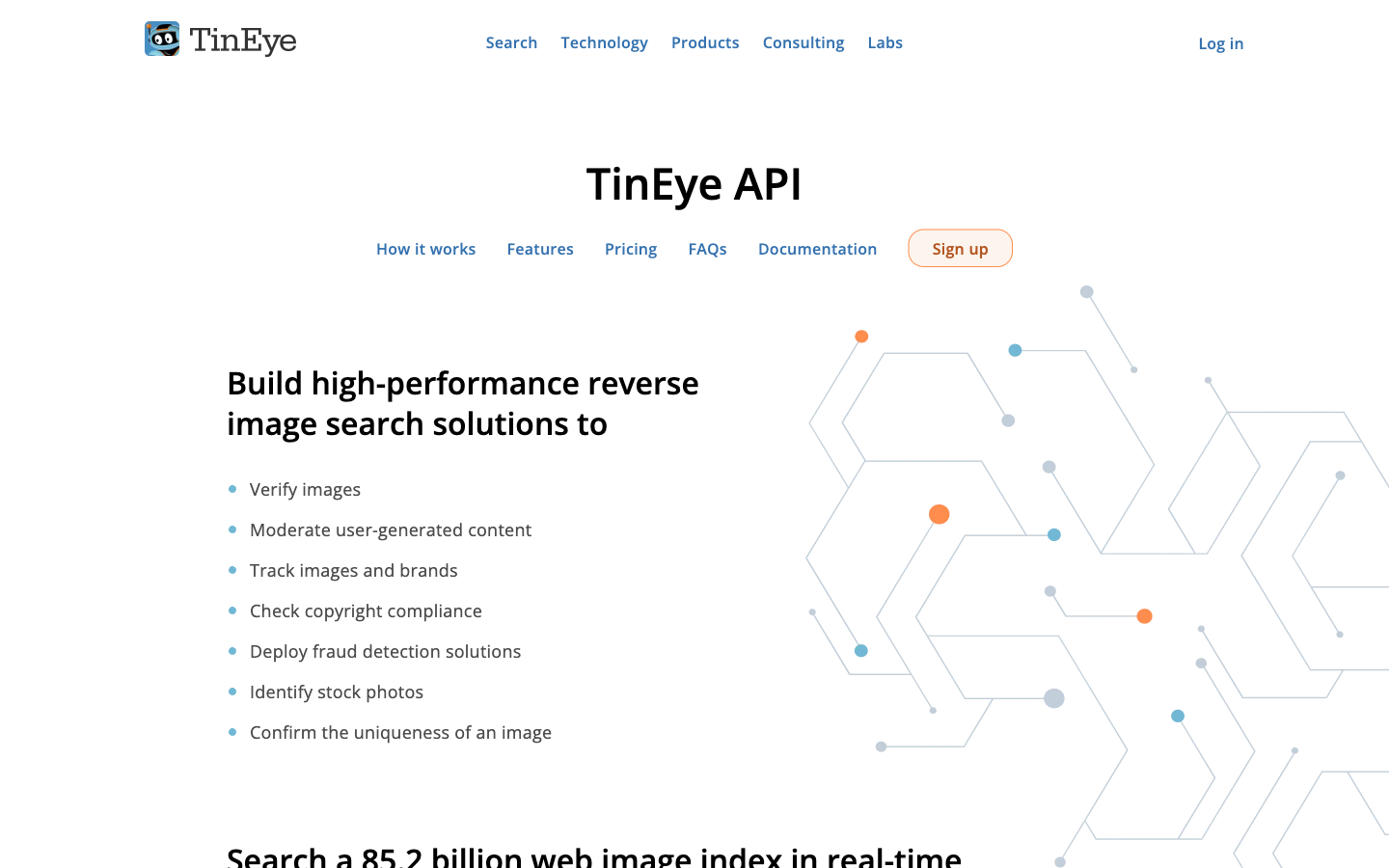
- Lets a commercial system submit images and receive matching results at prepaid search volumes.
- Use it well
- Pilot with a labeled sample, measure true positive/false positive review cost, and cache hashes to avoid needless repeat searches.
- Watch for
- API matches still need context review; query volume, retries, privacy, and bundle expiry affect total cost.
Investigate an image with TinEye
Reverse-image results are leads, not automatic proof of ownership or origin. Preserve the image, record the search date, and inspect the surrounding pages before drawing a conclusion.
Search, sort, and verify
Begin a tin eye search with the clearest available copy and crop away unrelated borders only if they prevent useful matching. A tin eye image search may reveal resized, edited, or older copies; compare dimensions, publication dates, page context, and visible alterations.
Use tin eye reverse image search results to build a source timeline, then confirm important dates with archived or first-party evidence. A matching thumbnail alone does not establish who created the image or whether a particular reuse was licensed.
Direct alternatives comparison
TinEye is strongest when the question is “where else does this exact image appear?” Semantic visual search and human source research answer different questions and should often be used together.
| Tool | Choose it when | Main tradeoff | Price position |
|---|---|---|---|
| TinEyeReviewed | You need exact or transformed copies of a specific image. | Does not identify every visually similar subject and cannot prove ownership. | Free public search; prepaid commercial API |
| Semantic visual search | You need similar objects, places, products, or compositions rather than the same image file. | Similarity results can be noisy and may miss altered exact copies. | Often free consumer access |
| Manual provenance research | Publication history, creator identity, license, and evidentiary confidence matter. | Slower and requires source-by-source judgment. | Research time; possible archive or licensing costs |
Privacy and risk checklist
Reverse-image search is an investigative aid. Privacy, lawful upload, context, and cautious claims matter as much as the technical match.
-
Right to submit the image
A query may contain a private person, confidential material, medical information, or a licensed work.
Do this: Use a public or authorized copy, crop unrelated personal detail, and review policy before submitting sensitive material.
-
Index limitations
TinEye searches its own index, not every page or private source on the internet.
Do this: Record the query image and date, and phrase conclusions as “no indexed match found” rather than “original.”
-
Date and ownership inference
An earlier indexed page can predate another result without being the original creator or rights holder.
Do this: Verify page timestamps, archives, author records, metadata, and licensing at primary sources.
-
Automated enforcement
A visual match can be legitimate reuse, quotation, license, syndication, template use, or a false operational trigger.
Do this: Put human review and an appeal path before takedown, blocking, or accusation.
Tin Eye reverse image search FAQ
What is TinEye used for?
TinEye is used to find exact and modified copies of a supplied image across the images in its index.
Is TinEye free?
The public browser reverse-image search is free. Commercial API products use prepaid search bundles.
Can TinEye find cropped or edited images?
TinEye is designed to match copies that may be resized, cropped, recolored, compressed, or otherwise altered.
Does no TinEye result mean an image is original?
No. It means no match was found in TinEye's index for that query. The image may exist elsewhere, be unindexed, private, or changed beyond the available match.
Can TinEye identify a person in a photo?
TinEye is not a facial-identification or general object-recognition service. It looks for copies of the submitted image.
Does TinEye prove who owns an image?
No. Matches and dates can guide research, but ownership and licensing require evidence from creators, publishers, contracts, metadata, and other primary sources.
Copyable recipes
Image provenance log
You need a reproducible record of where a reused image may have come from.
Query file: [filename + SHA-256 if available]
Query date: [UTC date]
Source of query copy: [URL or authorized archive]
TinEye result count: [count]
Candidate 1: [URL] — page date: [date] — image dimensions: [size]
Observed modification: crop / resize / color / text / unknown
Attribution or license shown: [exact text]
Conclusion: lead only / corroborated / unresolved
Next primary source to contact: [name]- Search the cleanest authorized copy and save the query details.
- Open promising result pages instead of relying on thumbnails.
- Corroborate dates and rights before making a provenance claim.
No-match follow-up
TinEye returns zero results and the investigation must continue.
No TinEye-indexed match found on [date].
Next checks:
[ ] alternate crop without border/text
[ ] higher-resolution source
[ ] semantic visual search
[ ] page metadata and filename
[ ] web archive
[ ] creator/publisher contact
Do not state: original, copyright-free, or AI-generated based on no match alone.- Try one clean alternate crop and higher-quality source.
- Use a semantic visual engine for subject-level clues.
- Document the negative result with its narrow meaning.
Features
Image upload or URL search
Submit a local image or image address as the query instead of typing descriptive keywords.
Exact and modified-copy matching
Look for indexed copies that may be resized, cropped, recolored, or otherwise altered.
Result sorting and comparison
Use available ordering and comparison tools to inspect candidate copies and their differences.
Commercial image-search APIs
Use TinEye’s separate API services for higher-volume matching and verification workflows.
Pros and cons
Strengths
- Focused on finding copies of a known image rather than matching subject keywords.
- Can detect transformations such as crops, resizes, and color changes.
- Useful for tracing earlier appearances and higher-resolution copies.
- The public search is quick and does not require a complex setup.
Limitations
- Results are limited to images TinEye has indexed.
- A missing result does not prove originality, ownership, or authenticity.
- It is not designed to identify a person or find merely similar-looking subject matter.
- Investigations still require dates, page context, licensing evidence, and other search methods.
How to get started
Test TinEye with an image you own so you can learn what a real match, transformed match, and no-result state look like.
Search the original file
Upload the source image or supply its URL and record the search date and result count.
Sort and inspect results
Review candidate pages and use available sort options to look for older, larger, or more heavily changed copies.
Compare a transformed version
Search a crop or resize of the same owned image to see how modified-copy matching behaves.
Open the hosting pages
Verify publication context, timestamps, attribution, and whether the result still contains the image.
State the limit correctly
Report “no match found in TinEye’s index” rather than claiming the image is original or unused.
Where it fits
Find an earlier appearance
Look for indexed pages that used a known image before the copy currently under review.
Locate a larger copy
Sort matching results to identify higher-resolution versions of the same visual.
Track an edited reuse
Search a crop, resized asset, or color-adjusted copy to find matching indexed variants.
Result interpretation
Match evidence is useful; absence is not proof
TinEye answers a narrow question: has its index seen this image or a modified copy? Keep every conclusion inside that boundary.
Inspect the page
Confirm the image is still present and record the surrounding publication context.
Compare transformations
Look for crops, overlays, recoloring, resizing, and changed composition.
Use careful language
Say no indexed match was found; do not claim originality or ownership.