What is Project IDX?
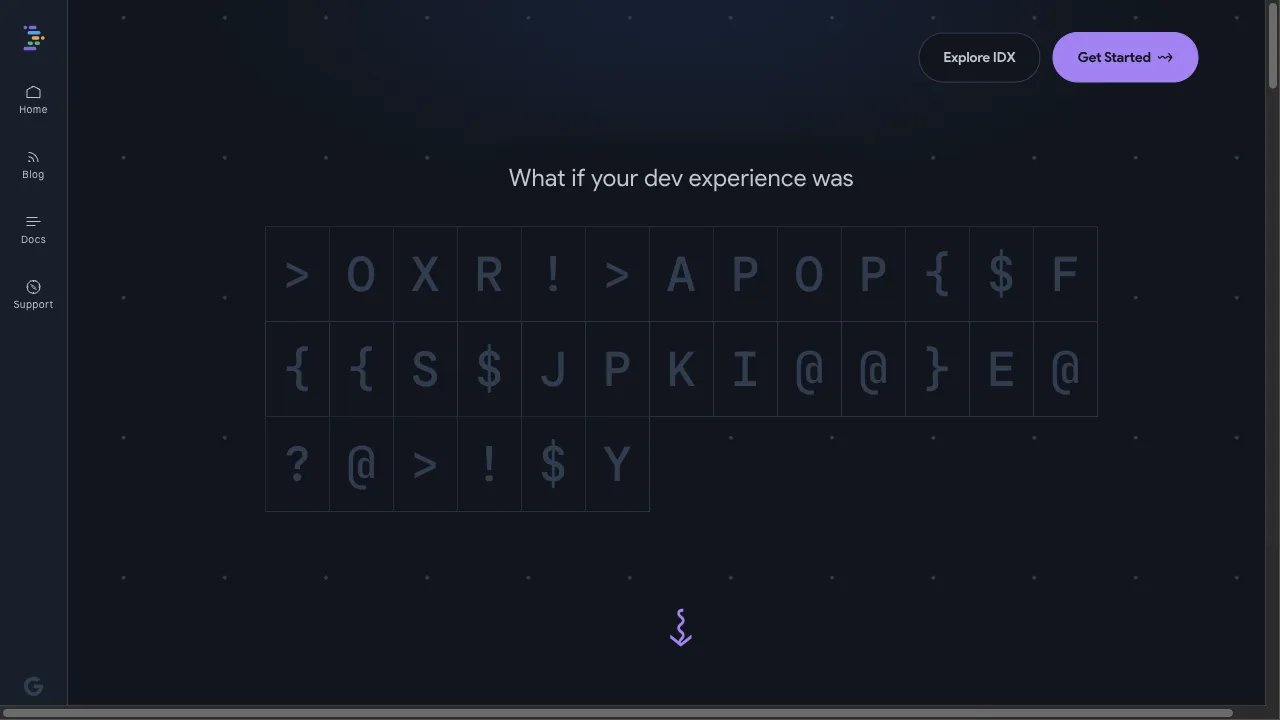
Project IDX is a browser-based integrated development environment (IDE) hosted on Google Cloud, designed to streamline multi-platform app development. Built on Code OSS, it integrates AI assistance, versatile templates, and real-time collaboration features to enhance developer productivity. It supports various frameworks and languages, making it suitable for full-stack application development and collaborative projects.
Project IDX Traffic Analytics
Project IDX Monthly Visits
Project IDX Top Visited Countries
Project IDX Top Keywords
Project IDX Website Traffic Sources
Project IDX Features
Cloud-Based Development Environment
Project IDX is hosted on Google Cloud, ensuring a reliable and customizable development environment accessible from any device. This cloud setup eliminates the need for high-performance local machines.
AI Assistance
Powered by Codey, an AI model based on PaLM 2, Project IDX provides real-time code suggestions and assistance, enhancing developer productivity and reducing debugging time.
Versatile Templates
Offering a range of templates for frameworks like Angular, Flutter, and React, Project IDX allows developers to quickly start new projects directly from the browser.
Real-Time Collaboration
The platform's real-time collaboration feature enables multiple developers to work on the same codebase simultaneously, facilitating teamwork across different locations.
Integrated CI/CD Pipelines
Project IDX includes built-in CI/CD pipelines for automated testing, building, and deployment, ensuring code remains in a deployable state.
Project IDX Pros
Accessibility
Project IDX's cloud-based nature allows developers to access their workspaces from any device with an internet connection, providing flexibility and convenience.
Enhanced Productivity
The integration of AI assistance and real-time collaboration tools significantly boosts productivity and reduces development time, enabling faster project delivery.
Comprehensive Toolset
With a wide range of tools and features, including CI/CD pipelines, Project IDX streamlines the development process and supports various frameworks and languages.
Project IDX Cons
Beta Limitations
As Project IDX is currently in beta, some features may have limited support, and users might encounter compatibility issues with future updates.
Dependency on Internet Connection
Being a cloud-based platform, Project IDX requires a stable internet connection for optimal performance, which may be a limitation in areas with poor connectivity.
How to Use Project IDX
Step 1: Enable Third-Party Cookies
To start using Project IDX, ensure that third-party cookies are enabled in your browser. This is essential for authenticating your workspaces and ensuring a smooth setup process.
Step 2: Set Up IDX
Configure your development environment by setting up a workspace. You can use official IDX templates, import a GitHub repository, or utilize community templates to kickstart your project.
Step 3: Create and Configure a Workspace
Once you've set up your workspace, configure it according to your project needs. This may involve installing necessary dependencies and adjusting settings to create an optimal development environment.
Step 4: Use AI Assistance
Take advantage of the AI-powered code suggestions and code chat features provided by Project IDX. This will enhance your coding efficiency and help you resolve issues more quickly.
Step 5: Collaborate in Real-Time
Invite team members to collaborate on the same codebase using Project IDX's real-time collaboration features. This allows for seamless teamwork and integration of contributions.
Who is Using Project IDX
Full-Stack Application Development
Project IDX is ideal for developing complex full-stack applications, thanks to its support for multiple frameworks and languages.
Collaborative Projects
The real-time collaboration feature makes Project IDX perfect for teams working on joint projects, allowing seamless integration and teamwork.
Cross-Platform Development
Developers can build and deploy applications across various platforms without the hassle of setting up multiple development environments.
Comments
"Project IDX has transformed the way I develop applications! The AI assistance is incredibly helpful, and collaborating with my team has never been easier."
"I love the versatility of templates available in Project IDX. It saves so much time when starting new projects!"
"As a developer, I appreciate the cloud-based setup of Project IDX. I can work from anywhere, and it feels just like a local environment."
"The real-time collaboration feature is a game-changer for my team. We can work together seamlessly, even when we're miles apart."
"While I find Project IDX to be a fantastic tool, I hope they address some of the limitations of the beta version soon."
References
- [2] Introducing Project IDX Blog.URL:https://developers.googleblog.com/introducing-project-idx-an-experiment-to-improve-full-stack-multiplatform-app-development/
- [3] Deep Dive into Google’s Project IDX.URL:https://medium.com/@asad.horizamtech/a-deep-dive-into-googles-project-idx-and-its-versatile-templates-35abfbd5ca0con: 8/29/2024
- [4] Why Google’s IDX Dashboard Became My Go-To Tool.URL:https://medium.com/@rajputmukesh748/why-googles-idx-dashboard-became-my-go-to-development-tool-7562dfc7acbbon: 7/22/2024
- [5] How We Built Project IDX.URL:https://idx.dev/blog/article/how-we-built-project-idx-a-high-level-overviewon: 12/31/2023
Project IDX Alternatives

A user-friendly AI chatbot platform for casual and professional use. This AI chatbot is fun and easy. The AI chatbot hel...

Your AI Chatbot for Instant Communication

Your Online Code Editor for Rapid Development

Your AI-Powered Chatbot and Application Hub

An innovative educational platform for enhanced learning.

A cloud platform for frontend deployment and hosting.

A customer feedback management tool that helps businesses gather and analyze user insights.

Innovative AI solutions for accessibility and inclusivity.

AI-powered chatbot offering free access with personalized assistance.

Enhance your productivity with AI-driven assistance directly in Chrome.

AI-powered tool designed for developers to enhance coding efficiency.

A versatile test automation platform for various applications.

Innovative cloud development platform for managing infrastructure.
AI-powered solutions for enhanced coding productivity.

Powerful toolkit for building AI applications efficiently.

A cloud platform for IoT application development.