What it is
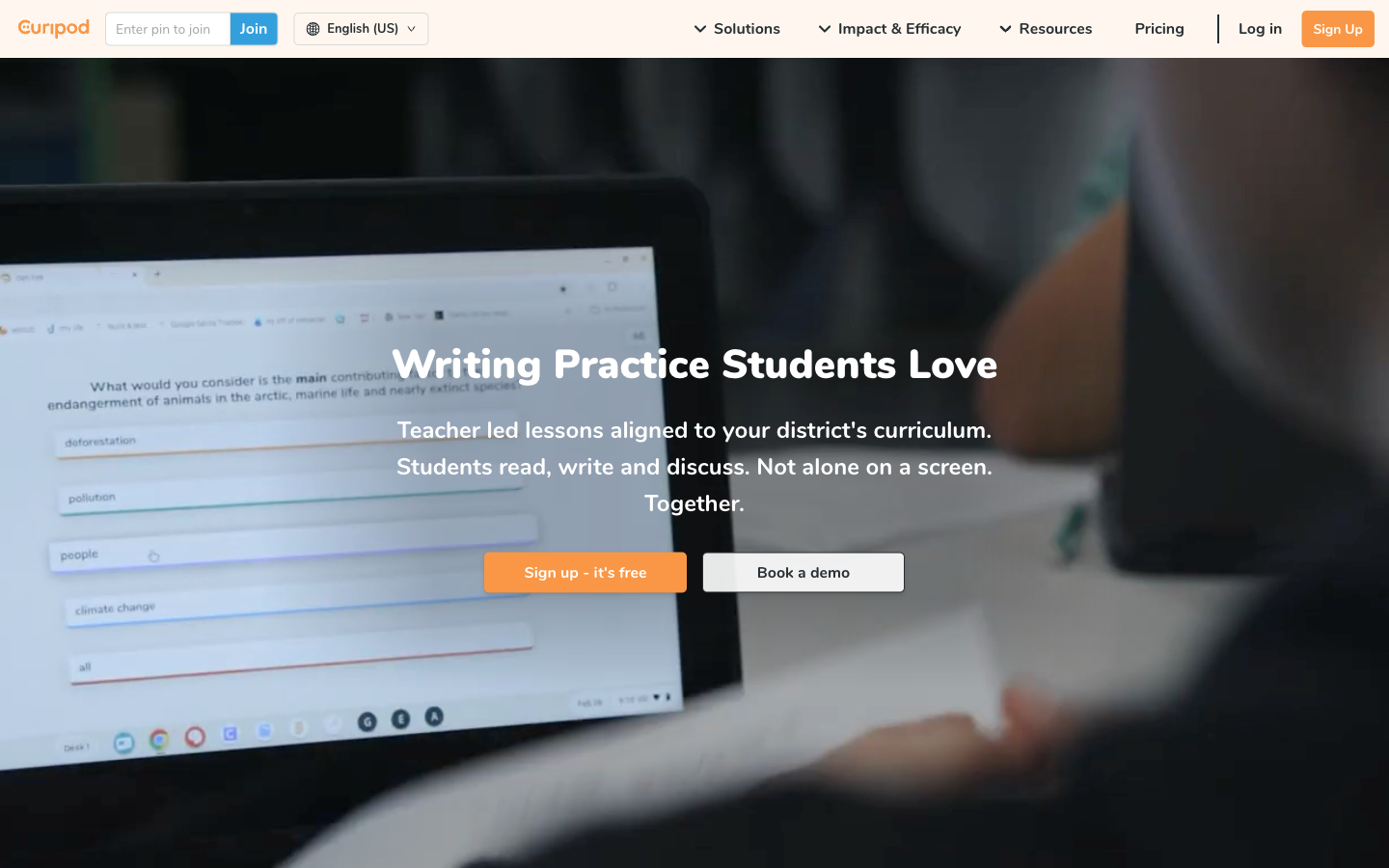
Curipod is a classroom lesson platform for creating and presenting interactive slides with polls, drawings, open responses, word clouds, and other participation activities. Teachers can generate or adapt lesson material, lead the session, see student work as it arrives, moderate responses before display, and use AI-assisted feedback. The useful distinction is control: Curipod can accelerate lesson preparation and response cycles, but the teacher remains responsible for the objective, factual accuracy, classroom norms, moderation, and final feedback.
Test bench
- Scope
- logged-out evaluation
- Checked
We evaluated the public path for a teacher who wants a 15-minute interactive lesson with a poll, one open response, and teacher-reviewed AI feedback. The central question is whether Curipod improves participation while keeping the teacher—not the generator—in control.
Account boundary: The public product, activity-type, monitoring, privacy, and plan documentation were checked. We did not enroll minors, run a private classroom session, or inspect school-only reporting, so student response quality and institutional controls are documented rather than claimed as hands-on account results.
-
Design the participation sequence
Curipod can mix instructional slides with polls, drawings, open responses, and other activities. A useful lesson alternates input and evidence instead of adding interaction to every slide.
-
Moderate before public display
The teacher can monitor student activity and should decide which responses are appropriate to show, discuss, or keep private.
-
Keep feedback tied to the objective
AI-supported feedback is most defensible when the teacher supplies a clear success criterion and checks representative outputs before a whole-class session.
- 1
Learning goalAnchor the lesson in one observable outcome before asking AI to draft slides.
- 2
Participation momentsUse a small number of purposeful polls, drawings, or open responses.
- 3
Teacher controlMonitor, moderate, and revise feedback before treating it as instruction.
Best for—and when to skip it
Best for
- Teacher-led interactive lessonsPresentation and participation activities live in the same facilitated flow.
- Low-floor class discussionPolls, drawings, and open responses give more students a way into the lesson.
- Fast formative feedbackTeachers can observe responses during the lesson and adjust what happens next.
Not the best fit
- Independent long-term study systemsQuizlet or another learner-owned review tool is more direct for ongoing flashcard practice.
- Fully automated teachingObjectives, factual review, moderation, and final feedback still require a teacher.
- School rollout before privacy reviewStudent data, account setup, and institutional controls need procurement and policy approval.
Pricing and limits
Curipod provides a free educator path and custom school or district plans. Session frequency, test-prep use, response length, translations, administration, and reporting distinguish the tiers more than a simple feature count.
| Plan | Listed price | Best for | Important limits |
|---|---|---|---|
| Free educator | $0 | Trying interactive lessons in a small teaching workflow | Current comparison lists two teaching sessions per week, three test-prep lessons, limited translations, and student responses up to 1,000 characters. |
| School | Contact sales | Shared adoption, support, and expanded classroom use | Current comparison lists unlimited usage, test prep, and translations plus longer responses; verify roster, reporting, and contract terms. |
| District | Contact sales | Central administration, procurement, and privacy agreements | SSO, reporting, agreements, implementation, and support depend on the negotiated scope. |
Pricing sources: Curipod pricing ↗Curipod school and free plan comparison ↗
Feature deep dives
Interactive activity types
- What it does
- Combines presentation content with polls, drawings, open text, word clouds, and other student-response formats.
- Use it well
- Pick the response mode that best reveals the target thinking: poll for a quick choice, drawing for a model, open text for reasoning.
- Watch for
- Novel formats can create noise if the prompt, time limit, and success criterion are unclear.
AI-assisted lesson draft
- What it does
- Creates a starting lesson or activity sequence that a teacher can adapt instead of authoring every slide from zero.
- Use it well
- Provide objective, age, duration, prior knowledge, approved source, and prohibited assumptions; then cut anything that does not serve the goal.
- Watch for
- Generated content may be factually wrong, culturally narrow, poorly leveled, or misaligned with local curriculum.
Live monitoring and feedback
- What it does
- Lets teachers see student activity during a lesson and use supported feedback or moderation workflows.
- Use it well
- Sample responses, pause for misconceptions, and decide whether feedback should be private, teacher-led, or shown as an anonymous class pattern.
- Watch for
- Publicly displaying raw student work can expose identity, sensitive ideas, or embarrassment without adding learning value.
See what students are doing in a Curipod activity ↗Curipod official site ↗
Run an interactive Curipod lesson
The strongest classroom workflow previews every generated slide, rehearses the student entry path, and decides how responses will be discussed before the lesson goes live.
Prepare the teacher and student views
Build the lesson in curipod around one observable objective, then verify the reading level, timing, response mode, and feedback settings. Open a second browser before class and use curipod join exactly as a student would so access problems do not consume the lesson.
Start curipod live only after checking every prompt and deciding which responses may appear on a shared screen. If the school distributes the short curipod.live address, test it on the same managed devices and network students will use.
Direct alternatives comparison
Curipod is built around a teacher-led lesson; Quizgecko centers source-to-quiz generation, while Quizlet centers learner-owned study sets and recall.
| Tool | Choose it when | Main tradeoff | Price position |
|---|---|---|---|
| CuripodReviewed | A teacher wants to present content and collect varied responses in one live lesson. | Requires active facilitation, moderation, and school data review. | Free limited use; custom school plans |
| Quizgecko | Existing text needs to become an asynchronous quiz or study resource quickly. | Less centered on live participatory presentation. | Free entry/trial and paid creation plans |
| Quizlet | Students need established flashcard and recall modes they can revisit independently. | Less teacher-moderated as an interactive lesson canvas. | Free entry plus paid study features |
Privacy and risk checklist
The product sits where generated content, live classroom behavior, and student data meet. Teacher preview and institutional controls are part of the learning design, not administrative afterthoughts.
-
Student identity and responses
Live participation can associate students with text, drawings, opinions, and performance data.
Do this: Use the school-approved join path, minimize identifying fields, and explain who can see each response.
Curipod privacy policy ↗See what students are doing in a Curipod activity ↗
-
Public moderation
Displaying a response to the class can expose personal information or inappropriate content.
Do this: Review submissions before display and default to anonymous discussion of patterns when identity is unnecessary.
-
Generated instruction
AI-created slides and feedback may be confident but inaccurate or unsuitable for the age group.
Do this: Check facts, examples, reading level, bias, and accessibility against an approved source and rubric.
-
Institutional terms
School and district plans can include different administration, privacy, SSO, reporting, and support arrangements.
Do this: Pilot only with approved data, then document the exact contract and account configuration before wider rollout.
Curipod school and free plan comparison ↗Curipod privacy policy ↗
Curipod FAQ
What is Curipod used for?
Curipod is used to create and present interactive lessons that mix instructional slides with polls, drawings, open responses, word clouds, and other classroom activities.
Is Curipod free for teachers?
Curipod lists a free educator plan with usage and feature limits. School and district plans expand usage, administration, reporting, and support.
Can Curipod create lessons with AI?
Yes, Curipod promotes AI-assisted lesson creation. Teachers should verify facts, level, alignment, and activities before presenting.
What activities can students do in Curipod?
The documented activity set includes formats such as polls, text responses, drawings, and word clouds, alongside lesson content.
Can a teacher see student work in Curipod?
Curipod documents a monitoring workflow for seeing what students are doing in an activity. Use that view to guide feedback and moderate display.
Is Curipod safe for student data?
Suitability depends on the school's approved account, contract, configuration, consent obligations, and data practices. Review the current privacy policy and institutional terms before enrollment.
Curipod privacy policy ↗Curipod school and free plan comparison ↗
Copyable recipes
15-minute concept check
You need participation evidence without turning the whole lesson into a game.
Objective: Students will [observable action].
Duration: 15 minutes
Create:
1. one 2-minute retrieval poll
2. one worked example from [approved source]
3. one open response asking for reasoning
4. one anonymous misconception discussion
5. one exit response
For each activity, state what the teacher should look for.- Delete any slide that does not collect or support evidence for the objective.
- Test the join path and preview every activity as a student.
- Plan one instructional response for each likely misconception.
Teacher-reviewed feedback rubric
Students submit open responses and AI feedback needs boundaries.
Success criteria:
- [criterion 1]
- [criterion 2]
Feedback format:
1. name one specific strength
2. ask one question about missing reasoning
3. suggest one next step
Never infer ability, intent, emotion, diagnosis, or grade.
If the response is unclear or sensitive, return: Teacher review required.- Test the rubric on strong, partial, incorrect, and sensitive examples.
- Revise any feedback that gives away the answer or labels the learner.
- Sample outputs during the live session before scaling.
Features
Interactive lesson creation
Build a presentation that mixes instructional slides with prompts for polls, text, drawings, and other student responses.
AI-assisted lesson drafting
Generate a starting lesson or activity sequence that the teacher can inspect, adapt, and place inside a broader plan.
Live participation
Invite students into a teacher-led session and collect responses throughout the lesson.
Teacher moderation and feedback
Monitor what students submit, review responses before display, and use supported feedback workflows under teacher control.
Pros and cons
Strengths
- Makes participation part of the lesson rather than a separate quiz at the end.
- Teachers can review responses before showing them to the class.
- Multiple response formats support more than recall questions.
- AI can reduce blank-page preparation time when the draft is carefully reviewed.
Limitations
- Generated lessons and feedback may contain errors, weak examples, or inappropriate difficulty.
- Live participation depends on device, network, and classroom-access conditions.
- Student naming and displayed responses require clear moderation norms.
- Schools still need to evaluate privacy, accessibility, retention, and procurement requirements.
How to get started
Start with a single, low-stakes lesson segment so teacher control and moderation remain visible at every step.
Write the objective outside Curipod
Define what students should understand or demonstrate before asking AI to suggest slides or activities.
Create a short lesson draft
Generate or assemble a small sequence with instruction, a participation prompt, and a closing check.
Review every response path
Check facts, reading level, examples, answer expectations, accessibility, and what students will see after submitting.
Enable moderation before class
Open the moderation controls, test the join experience, and decide whether names or responses may appear publicly.
Teach, inspect, and revise
Use live responses as formative evidence, intervene where needed, and revise the lesson after reviewing what actually happened.
Where it fits
Whole-class discussion
Collect short written or drawn responses and moderate them before using selected examples in discussion.
Formative lesson check
Place a response activity inside instruction to reveal misconceptions while there is still time to reteach.
Exit reflection
End with a concise prompt that informs the next lesson without treating AI feedback as a final grade.
Teacher control loop
Objective first, participation second, AI feedback third
Curipod works best when AI sits inside a lesson the teacher already understands—not when a generated deck becomes the curriculum.
Name the evidence
Decide what a useful student response should reveal about the objective.
Control the room
Test access, review incoming work, and choose what becomes visible.
Teach from the signal
Use patterns in student work to reteach, extend, or revise the next prompt.